
What is the importance of keyword research, and can it be done using Google Bard with Gemini Pro? These tools can have a huge impact on your digital marketing strategy and make the keyword research process even easier.
Google announced a major upgrade to Bard by integrating Gemini Pro to enhance its artificial intelligence capabilities; what can we do with it?
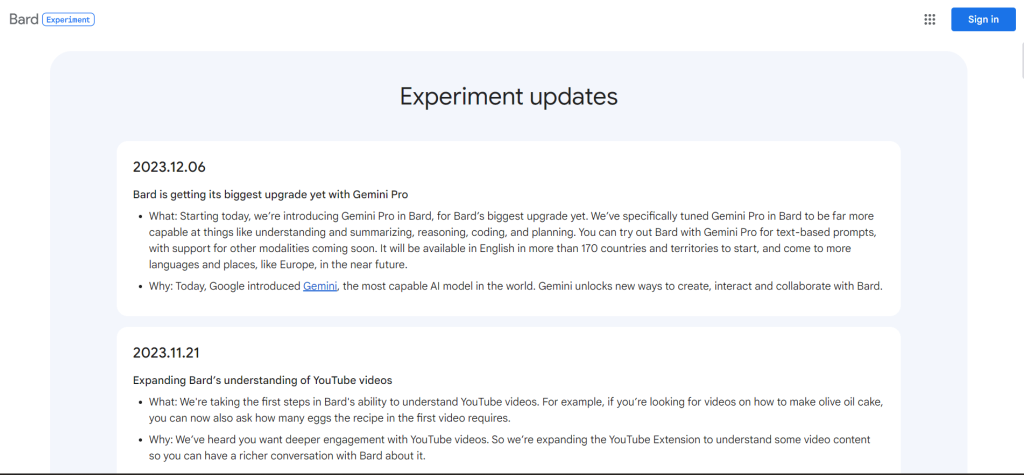
What Can We Do With Google Bard featuring Gemini Pro?
Google Bard can be a powerful tool for keyword research and has the power to help you identify relevant and high-potential keywords for your website or content. Here are various ways you can use Bard for keyword research:
1. You Can Generate Keyword Ideas
By providing Bard with a broad topic or seed keyword, you can generate a list of related keywords, including long-tail variations of those keywords.
“I am creating an SEO strategy and want to create content related to ChatGPT. I want you to do this: generate a list of the top 20 long-tail keywords for the short-tail keyword ChatGPT. For each keyword, give me the average search volume, a keyword difficulty score in terms of ranking on Google, and the average cost-per-click bid. I asked you to sort the keywords by average search volume,” and it gave me the results in a table format.
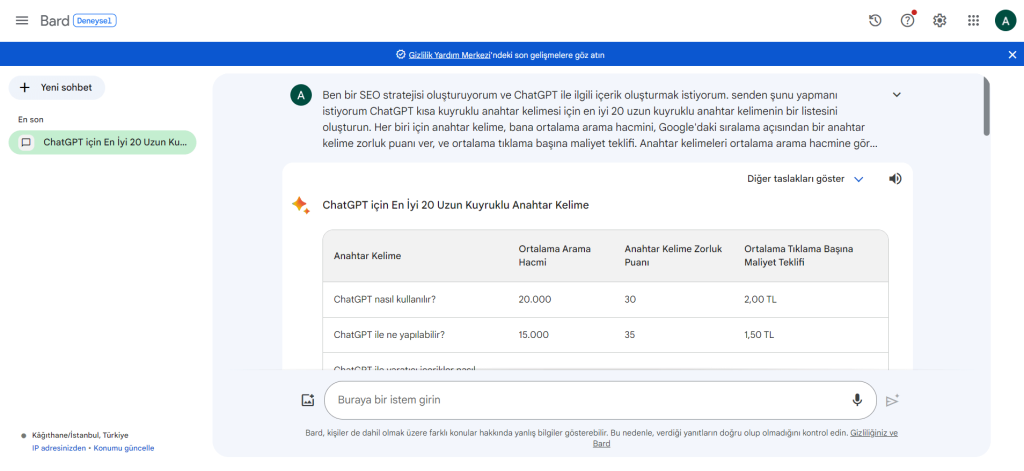
Here are the results it provided when I asked it to generate a list of the top 20 long-tail keywords for ChatGPT.
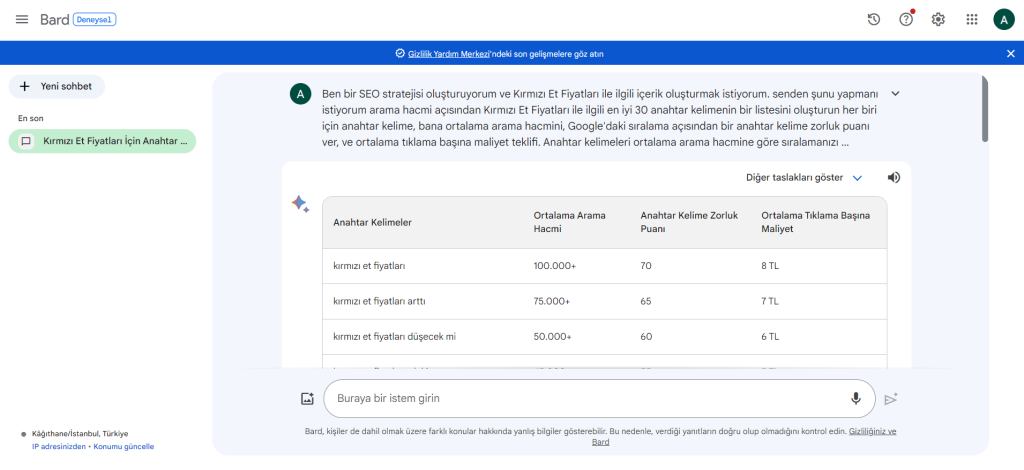
In summary, it generated a list of the top 30 keywords related to red meat prices.
Analyze competitors; ask Bard to evaluate the competition related to specific keywords and gain insights into the level of search activity, challenges faced, and potential advantages.
Identify trending keywords; you can stay one step ahead by asking Bard questions about trending topics and keywords related to your field.
2. You Can Get Keyword Insights
Investigate search intent; ask Bard to analyze the search intent behind specific keywords, providing you with insights into users’ needs and desires when they search for those specific terms.
You can prompt Bard for topics and queries related to your chosen keywords, offering complementary content and ideas for optimization.
Identify missing keywords; Bard can help you discover keywords your competitors are not focusing on, providing opportunities for you to rank higher in search results.
3. You Can Use Bard for Content Creation
Create outlines and drafts: Bard can help you generate outlines and drafts for your content based on your target keywords, ensuring you cover all relevant information.
You can get help from Bard to optimize existing content.
Bard has the capability to generate meta descriptions and titles specifically designed to improve search engine optimization and increase the click-through rates of your webpages.
Here you can find additional tips for those who want to use Bard for keyword research.
You Must Be Specific
The more specific your requests, the more relevant and accurate the results will be.
You Can Cross-Check With Other Tools
Do not rely solely on Bard for keyword research. Use other tools like Google Keyword Planner and Semrush to validate and refine your keyword list.
You Should Focus on Quality Over Quantity
Targeting a few high-quality keywords is better than targeting a large number of irrelevant keywords.
Tracking your results will always be beneficial. Monitor your keyword performance over time and adapt your strategy accordingly.
By using Bard specifically and effectively, you can accelerate your keyword research process.


